
Turbo CleanUp
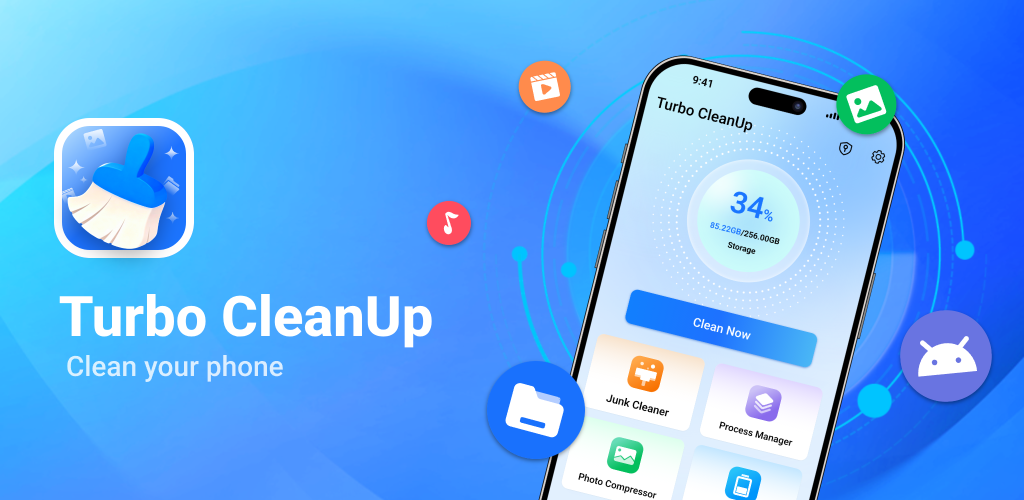
An Android housekeeping app for your own phone's shared storage: find junk files and large files, compress photos, review installed apps and battery habits, and keep chosen apps from interrupting you. Every scan runs on the device, and nothing is deleted until you confirm it.
Get it on Google Play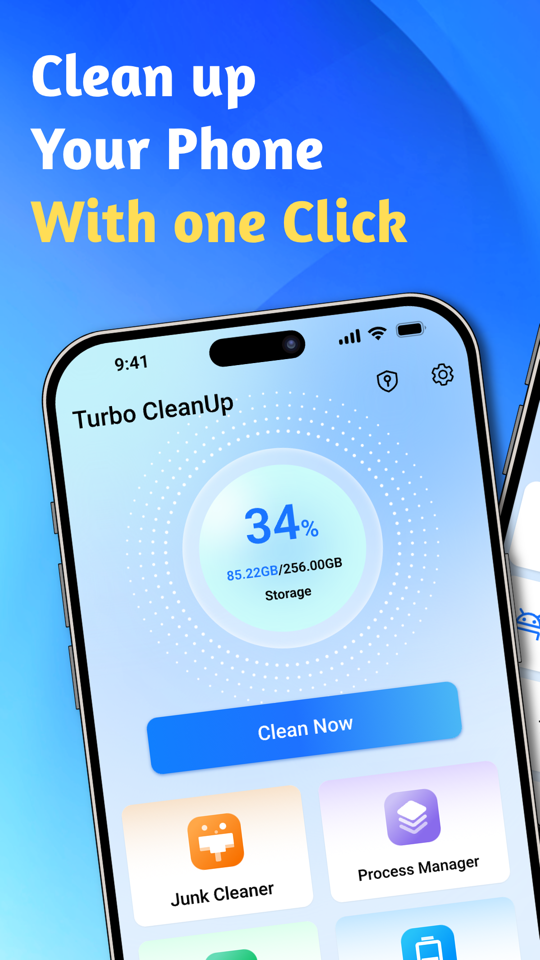
What the app does

Junk Cleaner
Scans the shared storage of this device for cache leftovers, temporary files, logs and empty folders, groups them into categories, and deletes only the items you have ticked and confirmed.
Big File Cleaner
Lists the largest files in shared storage by size and type so you can decide what to keep. Deletion is always a second, explicit step.

Photo Compressor
Re-encodes selected photos at a smaller size. Compression happens entirely on the device, originals are kept by default, and GPS EXIF data is stripped from the output.

App Manager
Shows installed apps with size and last-used time so you can spot the ones you no longer open. Uninstalling opens the system app details page — the app never removes software on your behalf.

Process Manager
Summarises recent app activity so you can see what has been running, and hands you to the system screens for anything that needs changing.
Battery Manager
Reports battery status and the settings that commonly drain it, with links to the matching system screens.

Notification Cleaner
For apps you switch on yourself, an arriving notification is taken out of the notification shade and logged so you can review it later. Calls, alarms, media controls, navigation and system notifications are never intercepted.

Speaker Cleaner
Plays a low-frequency tone to help push water and dust out of the speaker grille.
Screens
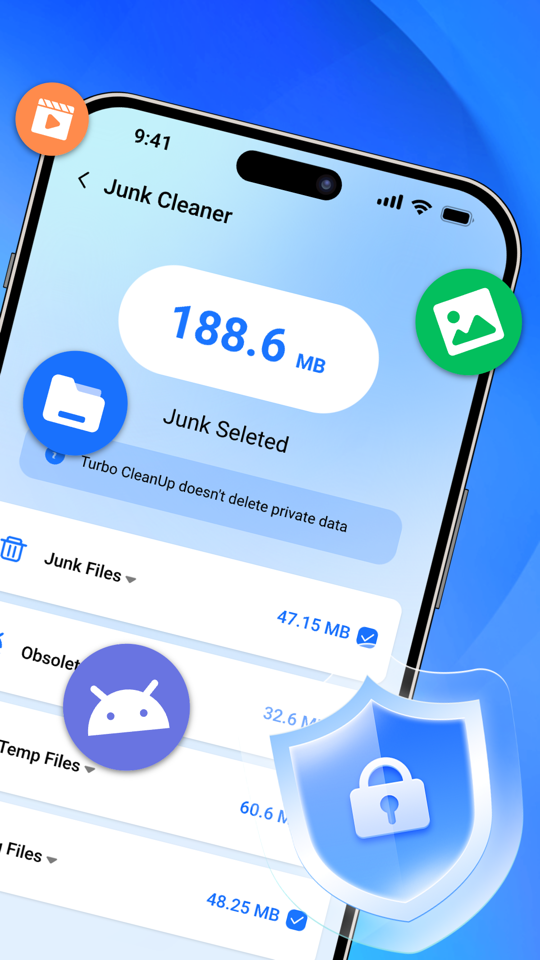
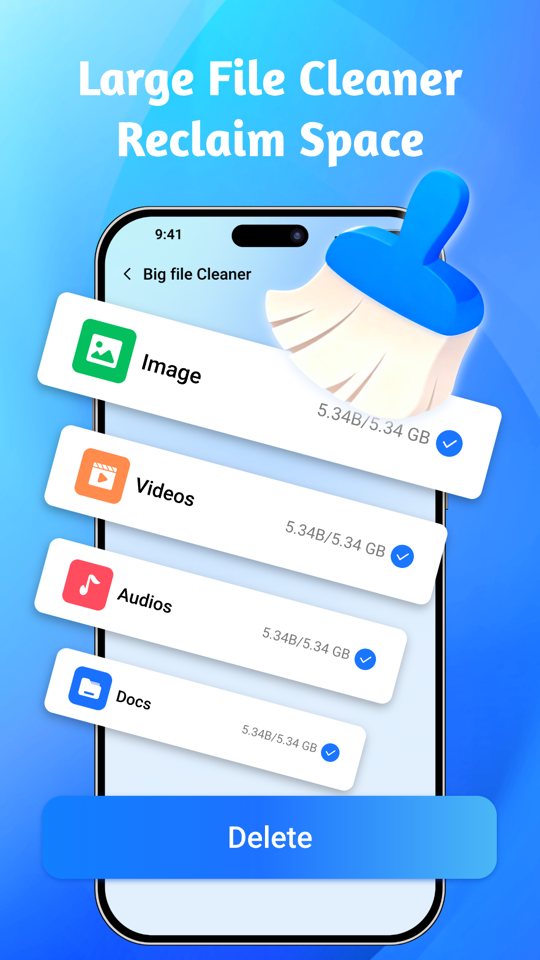
What the app deliberately does not do
It does not reach into other apps' private data. Since Android 11 no third-party app can read another app's Android/data or Android/obb folders, and Turbo CleanUp does not claim to. It works on shared storage on this device only.
It never deletes anything on its own. There is no automatic or scheduled deletion anywhere in the app. A scan produces a list; you choose items, confirm once more, and only that set is removed. The app also excludes its own cache, camera folders and game data folders from every scan.
Privacy in short
- File names, file paths, scan results and your list of installed apps never leave the device.
- Notification titles and body text are never stored anywhere — an intercepted record holds only the icon, app name and time, kept in memory and gone when the app restarts.
- Photos are compressed on the device and are not uploaded.
- The app uses Google Analytics for Firebase, Adjust and advertising SDKs, which collect device and advertising identifiers and app-usage events. Details and choices are in the Privacy Policy.
Contact
Questions, bug reports, privacy or data deletion requests: [email protected]. See Support for what to include.